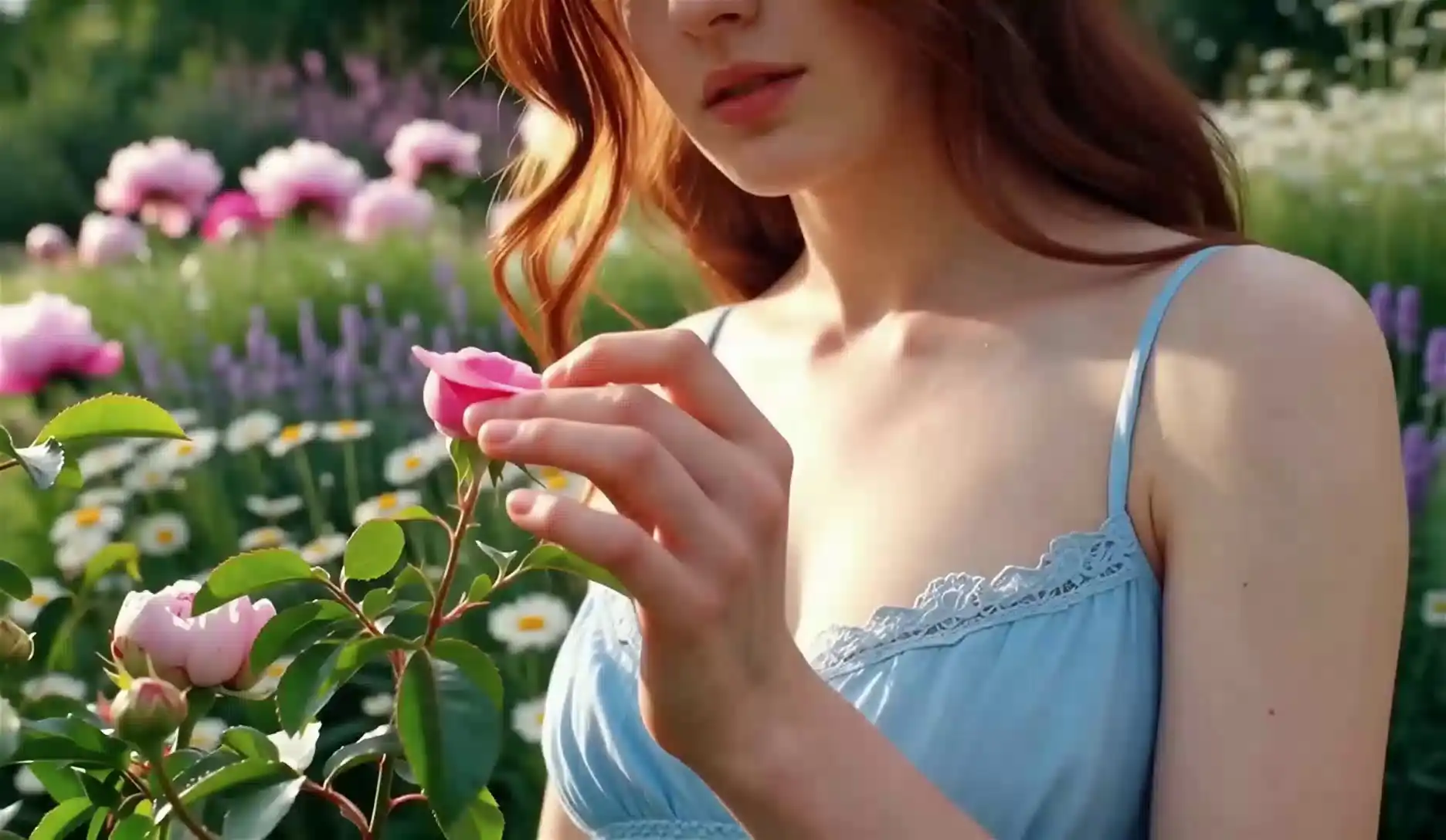
Cinematic Lighting
Sunny Garden Rose
A woman in a blue lace dress plucks a rose petal in a sunlit garden.
Wan 2.7 is Alibaba's latest open-weights-friendly video model with native audio sync, first/last-frame control, and instruction-based editing. This guide walks you through access paths, core modes, prompt patterns that hold up in production, and how it stacks up against the tools you already know.
2,000+
Active creators
$0
To try on-platform
27B
MoE parameters
15s
Max clip length
Wan 2.7 is a high-performance video generation model from Alibaba's Tongyi Lab. It sits in the same conversation as Sora, Kling, and Luma: cinematic motion, strong language grounding, and workflows that creators can actually ship—not just demo.
What moves the needle for working teams is the combination of controllable boundaries (first and last frames), instruction-style edits, and native audio sync so sound and picture are authored together instead of patched in post.
Sharp 1080P output with strong texture fidelity and readable fine detail when your prompt stays specific.
Smoother motion and fewer identity drifts across frames, especially when you anchor subject and camera.
Reliable interpretation of multi-clause prompts: subject, action, lighting, lens, and pacing in one pass.
Describe pans, tilts, dolly moves, and handheld energy—Wan 2.7 responds well to explicit camera grammar.
Hosted routes and optimized checkpoints keep iteration loops short so you can refine, not restart.
Work in 16:9, 9:16, 1:1, and other common frames without awkward crops if you set ratio up front.
Each step below uses a minimal diagram: the highlighted block is what to focus on; grey bars and the side panel stand in for everything else.
STEP 1
Use the site navigation to open the Wan 2.7 generator. You’ll see a compact control column and a large preview—details in later steps; here you only need to land on the page and pick a generation mode.
STEP 2
Add reference images (start frame, optional end frame) and write your prompt in plain language. For reference-driven flows, attach image + video + optional audio so identity and timing stay locked.
STEP 3
Set aspect ratio, resolution, and clip length, then generate and refine from the preview.
Wan 2.7 covers the same creative primitives you expect from a modern video model. When Thinking Mode is on, give it a full shot description—not a tag list. Start from the formula below, then open a mode tab to adapt phrasing for text-to-video, image-to-video, and the rest.
Prompt formula
[Subject] + [Action/Motion] + [Environment] + [Lighting] + [Camera] + [Style/Mood]
"A woman walks through a neon-lit Tokyo alley at midnight, slow tracking shot from behind, cinematic, melancholic, shallow DOF"
"A woman in Tokyo at night" — too sparse for Thinking Mode to work with
Describe the shot: subject, environment, lighting, lens, and motion. Wan 2.7 rewards full sentences over keyword soup.
"A cinematic wide shot of a rainy neon city at night, slow dolly-in, reflections on wet asphalt, anamorphic lens flare, highly detailed, 4K look."
"A curious cat in a minimal space suit walking across lunar regolith, low gravity bounce, soft rim light, photoreal fur, IMAX-style clarity."
Lock aspect ratio and target duration before you iterate—changing geometry late costs more than changing adjectives.
Great prompts read like a shot list a DP would recognize: one hero idea, a camera decision, and a few constraints that prevent the model from inventing random props.
Key tips
Quick checklist
Real generation clips from the Wan 2.7 family—hover or tap a tile to preview motion. Use them as style references when you write your own prompts.
A woman in a blue lace dress plucks a rose petal in a sunlit garden.
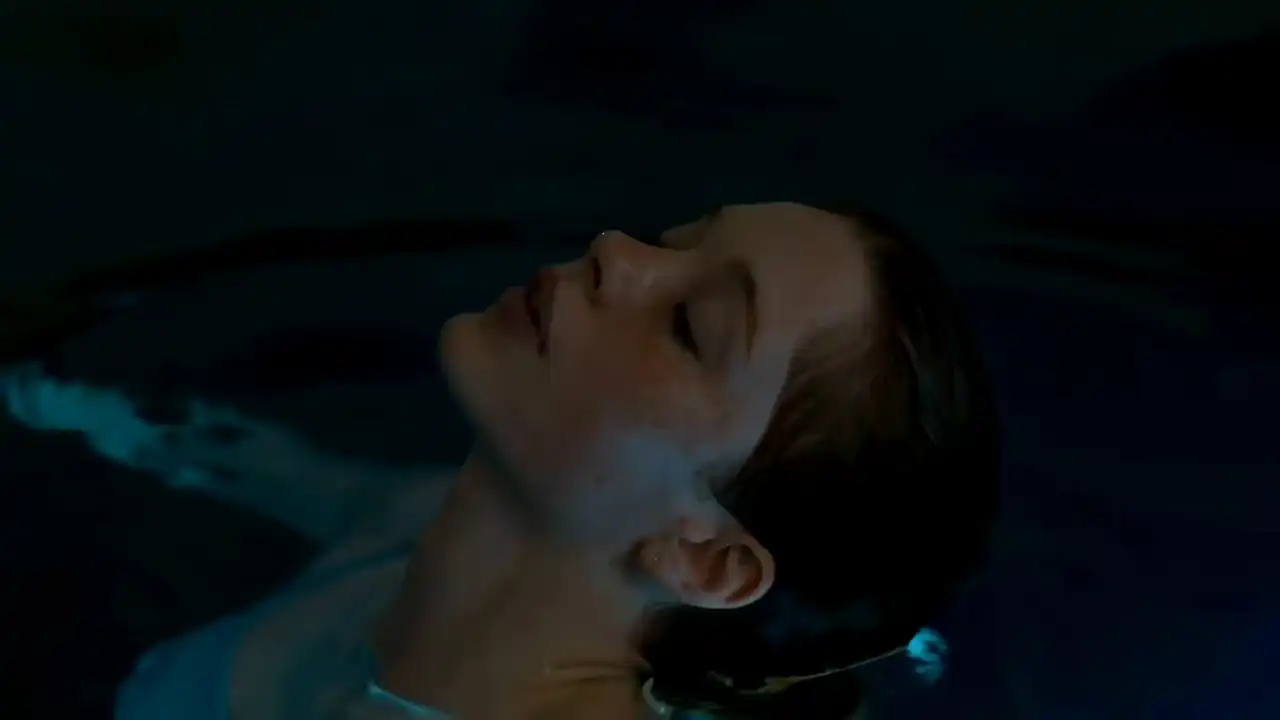
High-angle close-up of a woman with short brown hair floating in water.
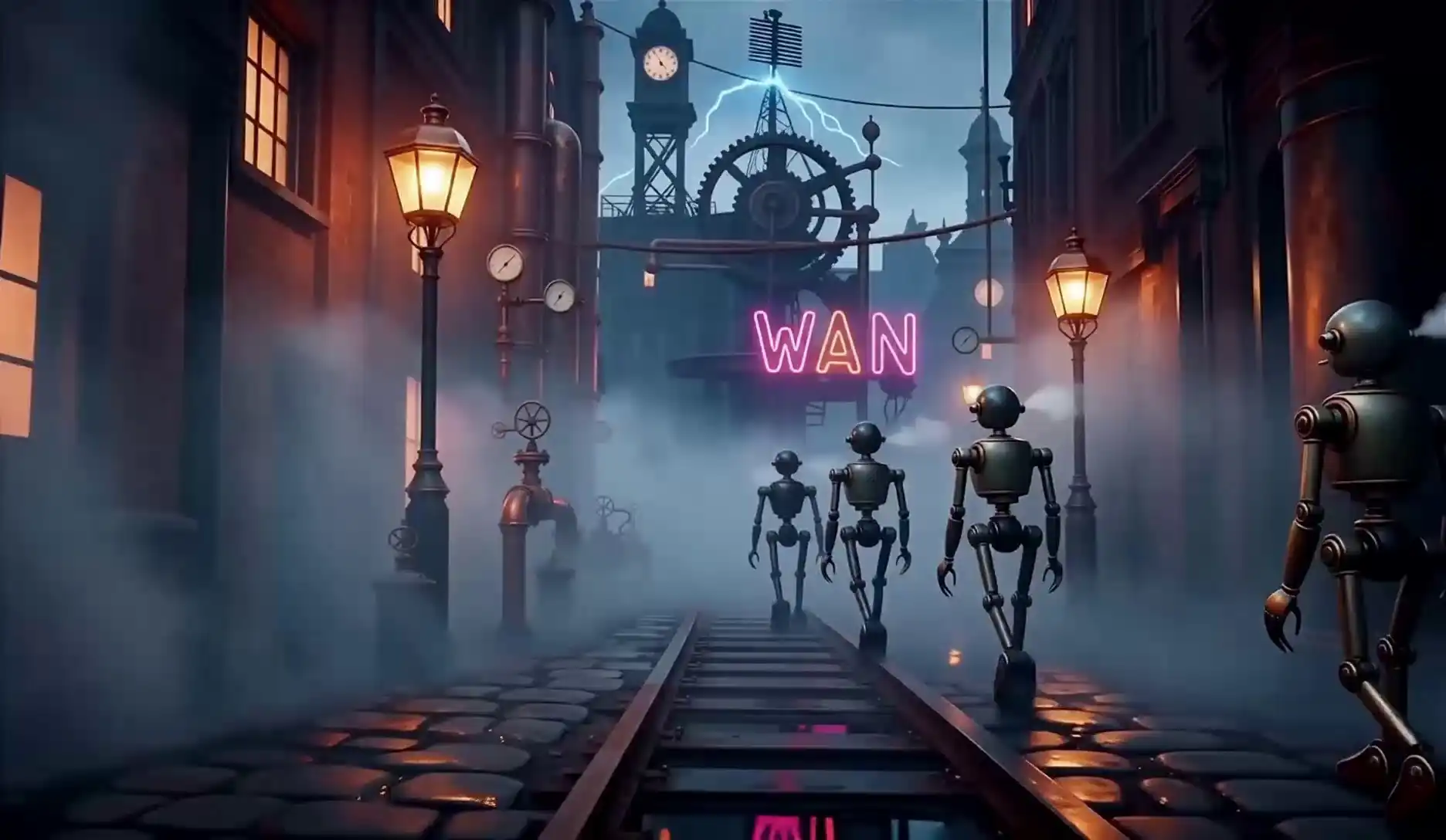
Neon mist and robots in a steampunk Victorian alley at night.
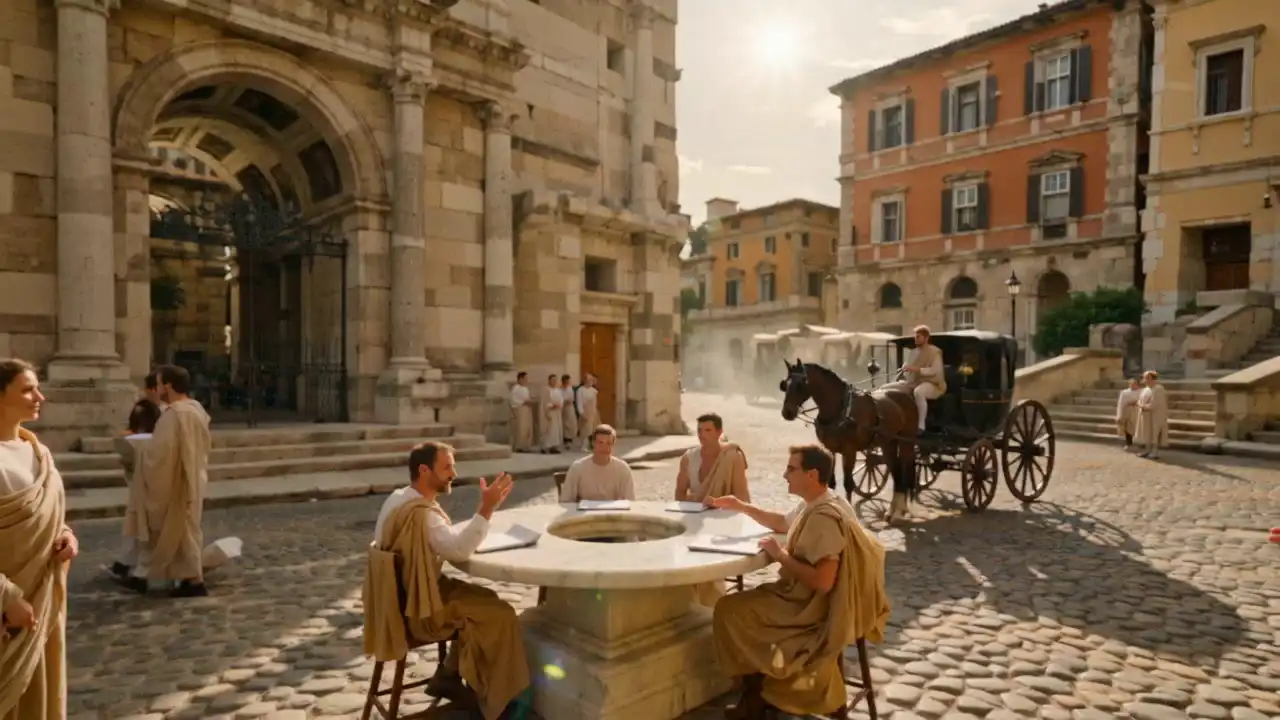
Roman actors in togas debate around a marble table in a sunlit plaza.
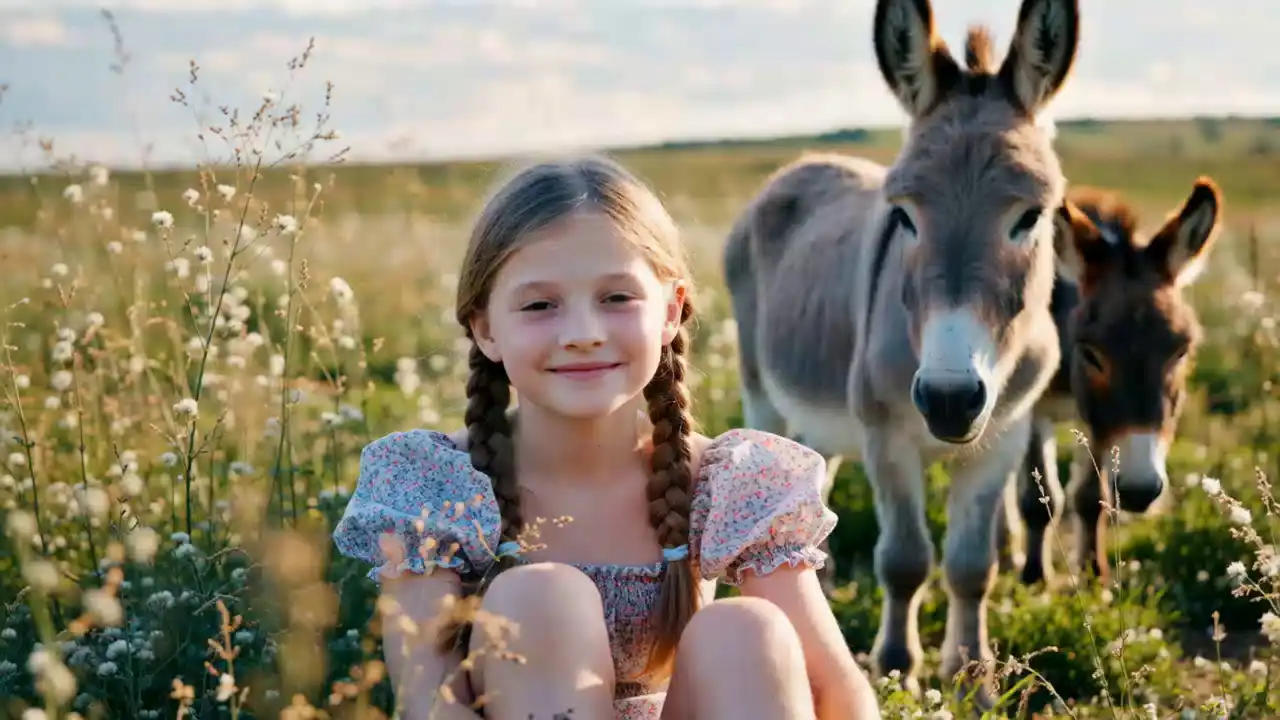
A girl in a floral dress with braids stands among fluffy donkeys in tall grass.
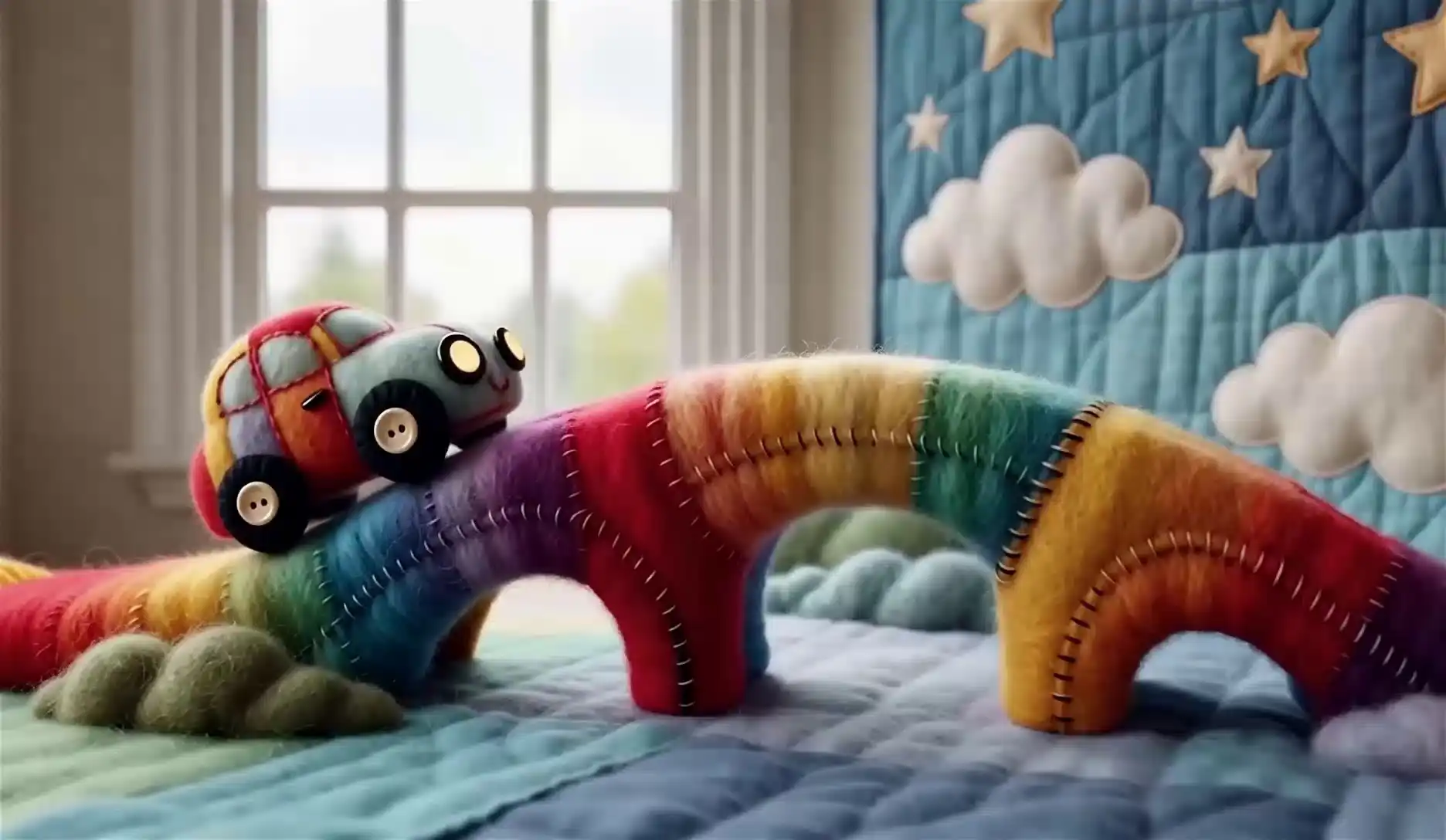
Felt-style rainbow yarn bridge, button car, and quilted sky in one whimsical scene.
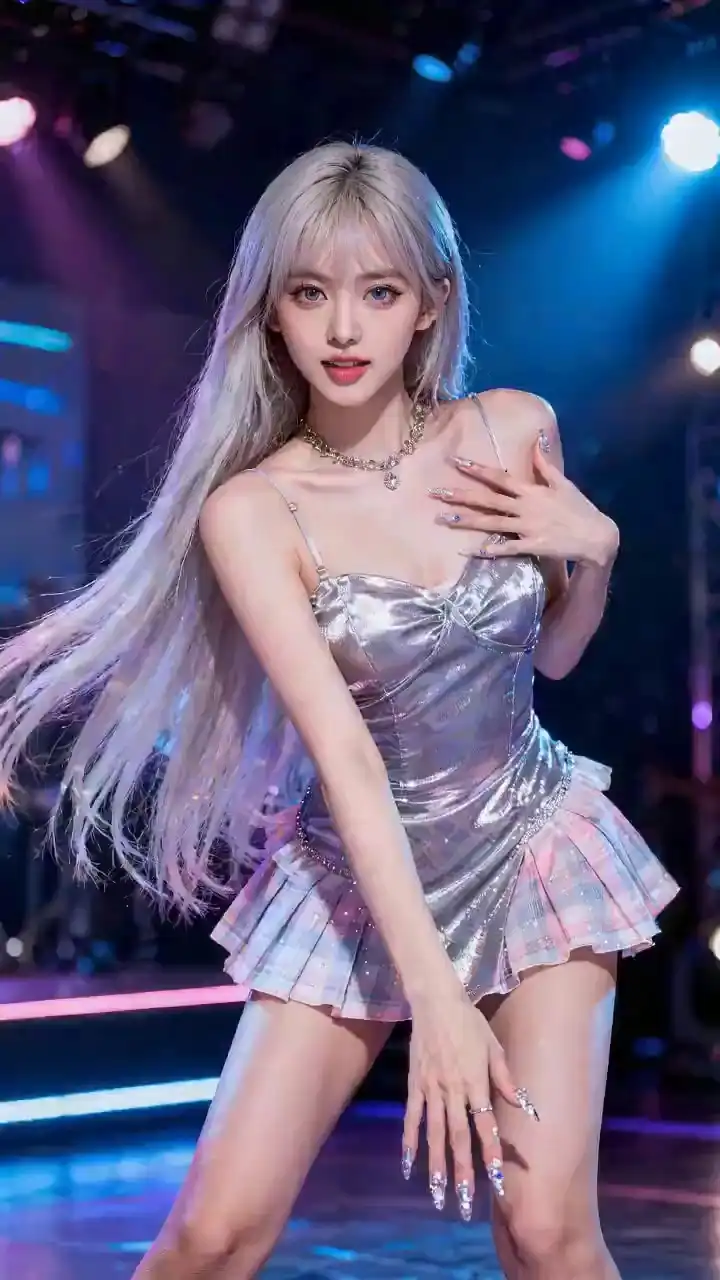
Extra hosted example—use it to study pacing, transitions, and how prompts read on real output.
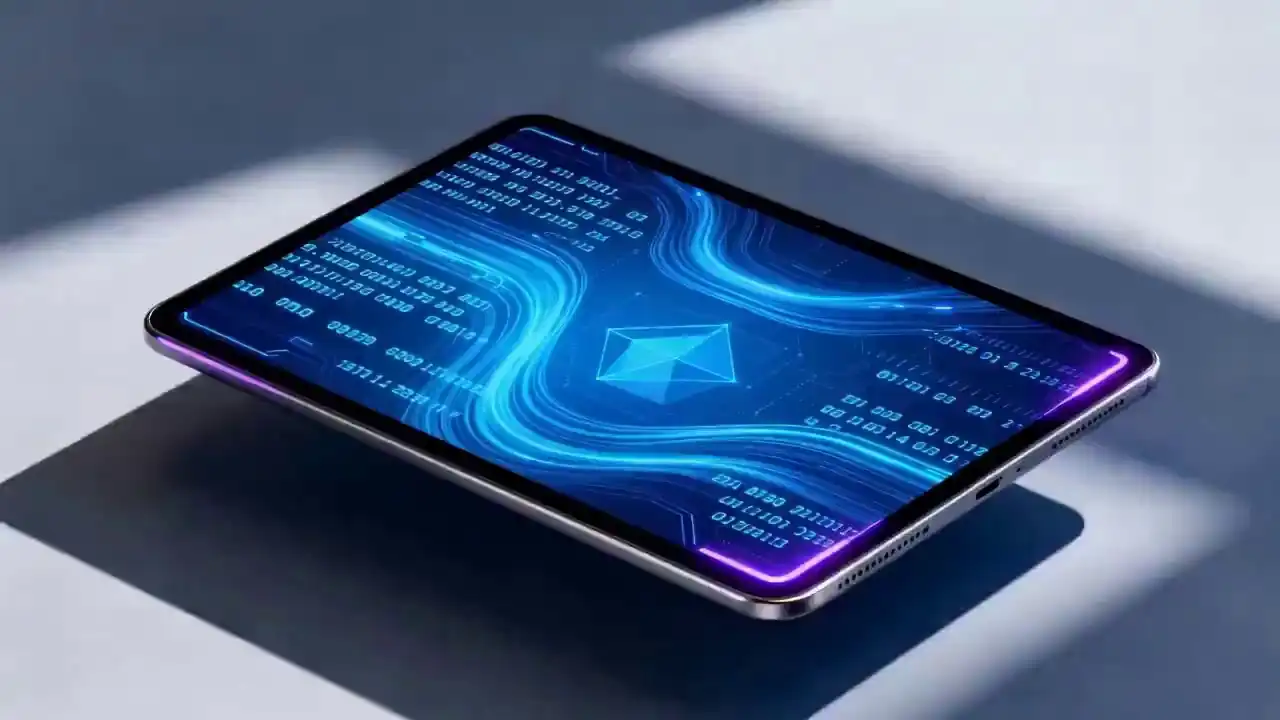
Another gallery clip for lighting and mood references before you lock your own shot list.
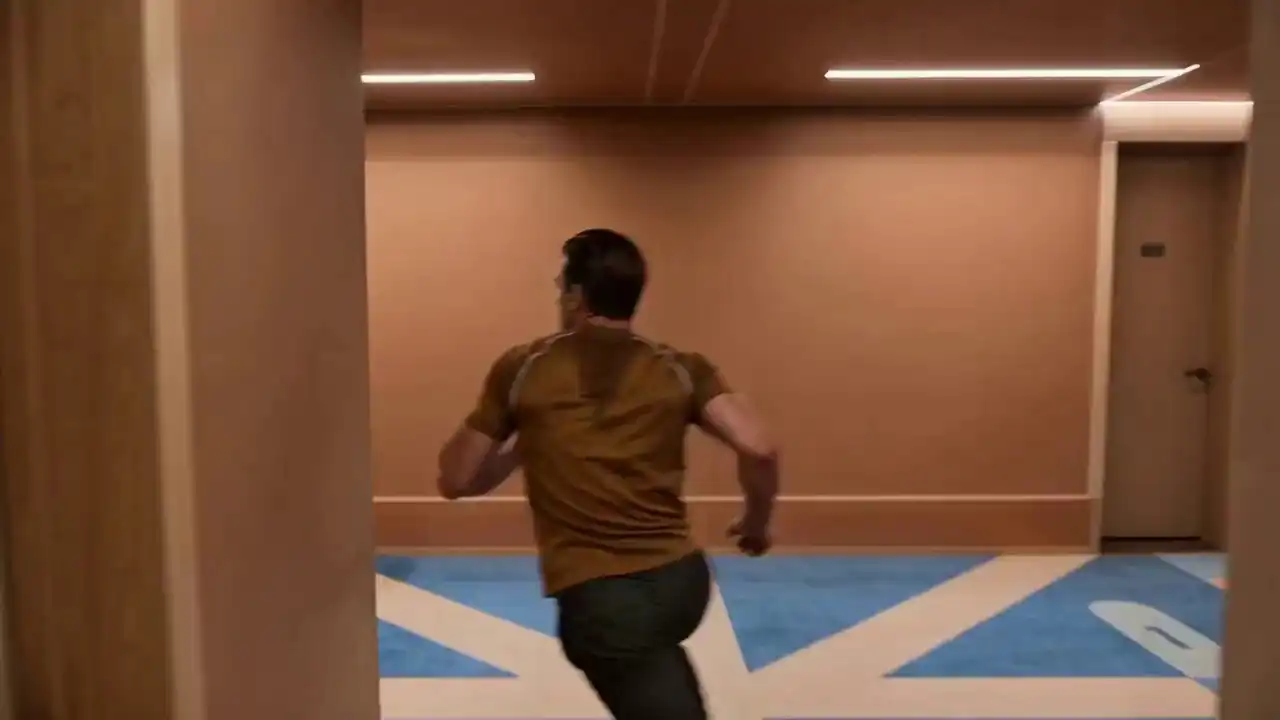
Third bonus example from the same on-platform library—compare framing against your storyboards.
Quick answers on using the generator, prompts, quality, credits, privacy, and commercial use on this platform.
Try the model on our platform or skim the product hub for presets, examples, and pricing.